Create a task on a project
This guide shows how to create a task on a project from the Opgaver (Tasks) tab.
1. Open the project and go to Tasks
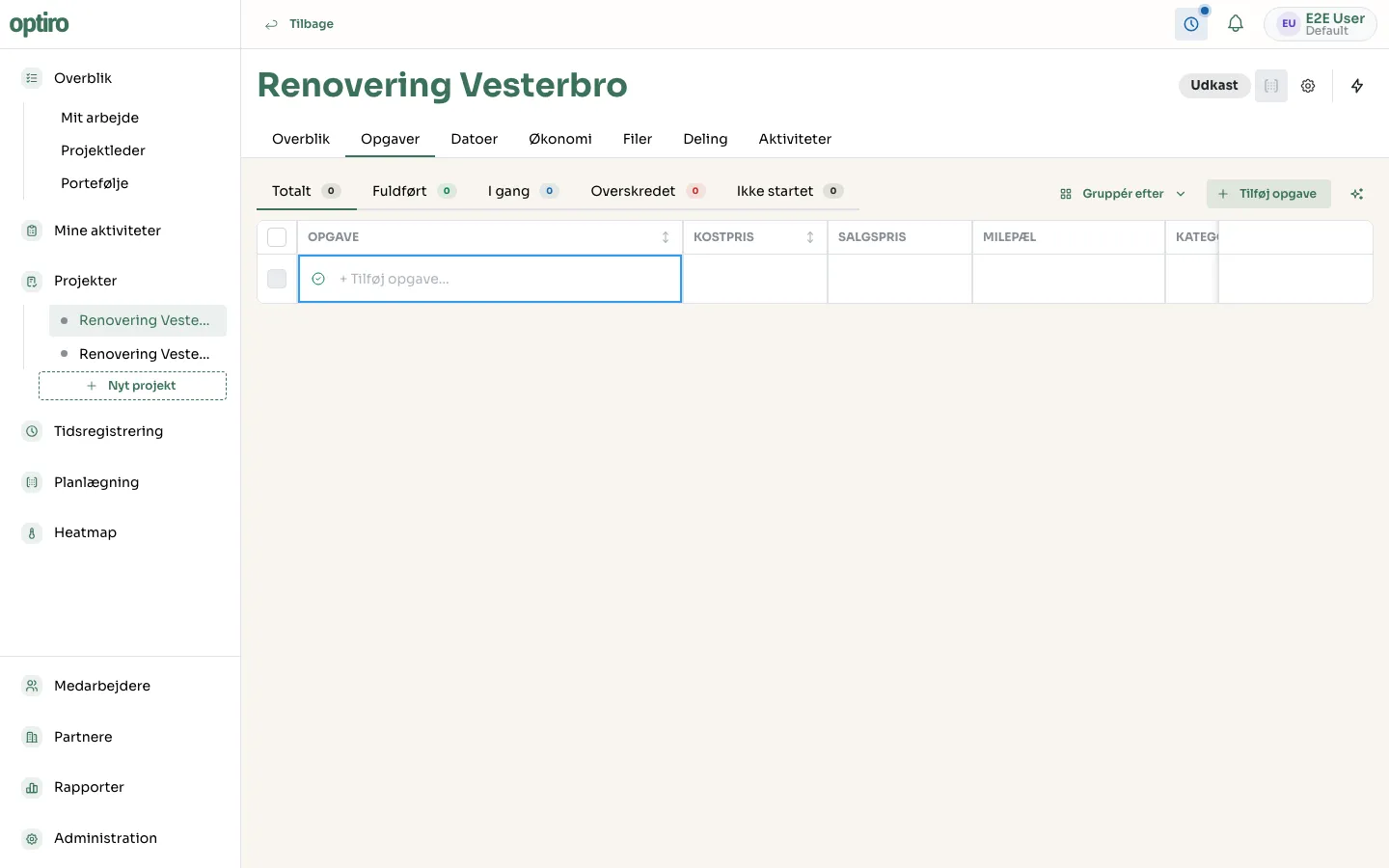
Section titled “1. Open the project and go to Tasks”Open the project and click the Opgaver tab. Click Tilføj opgave (Add task) — a new, empty row appears at the bottom of the table.
2. Name the task
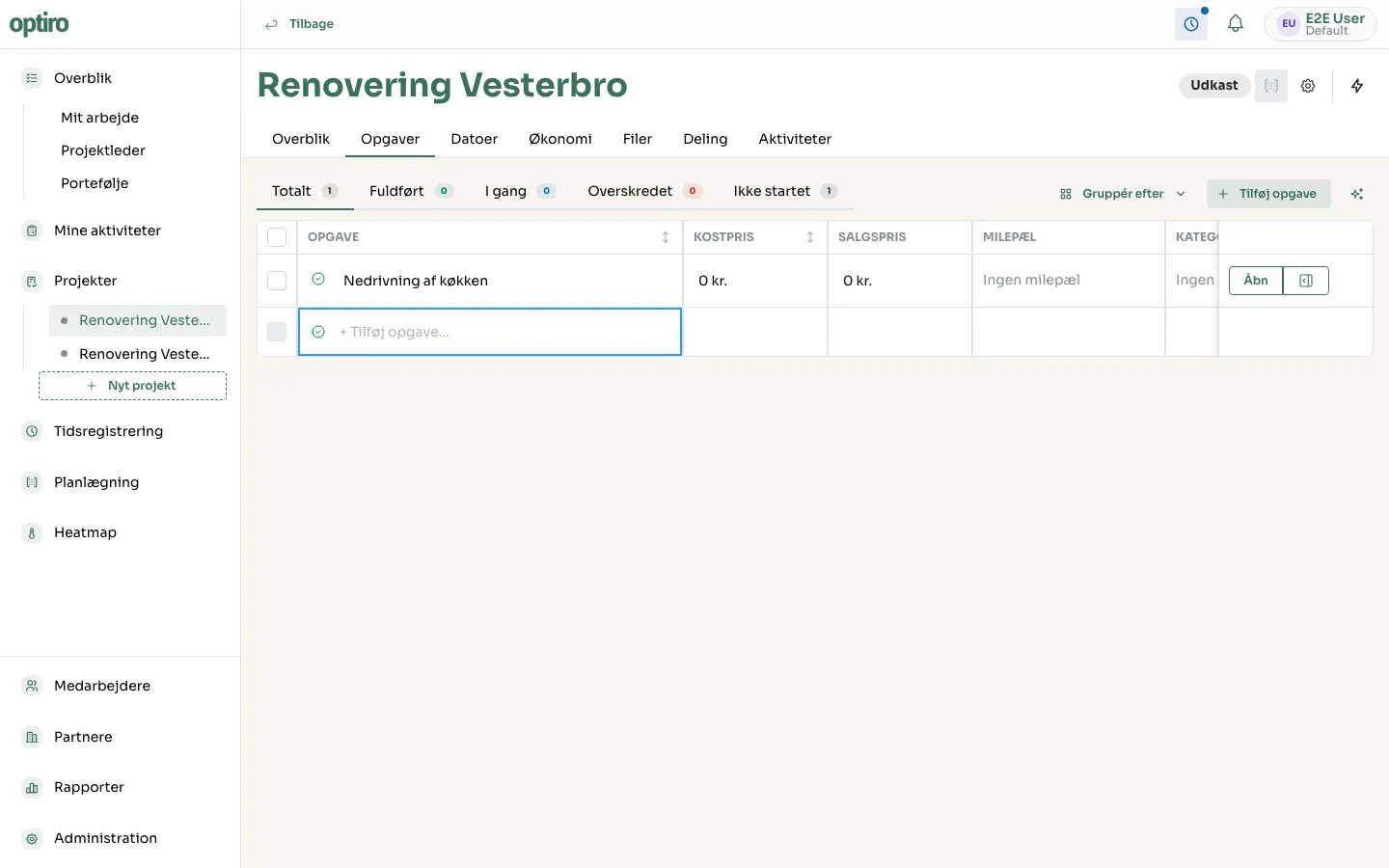
Section titled “2. Name the task”Type the task’s name and press Enter. The task is created with status Ikke startet (Not started).
3. Open the task’s details
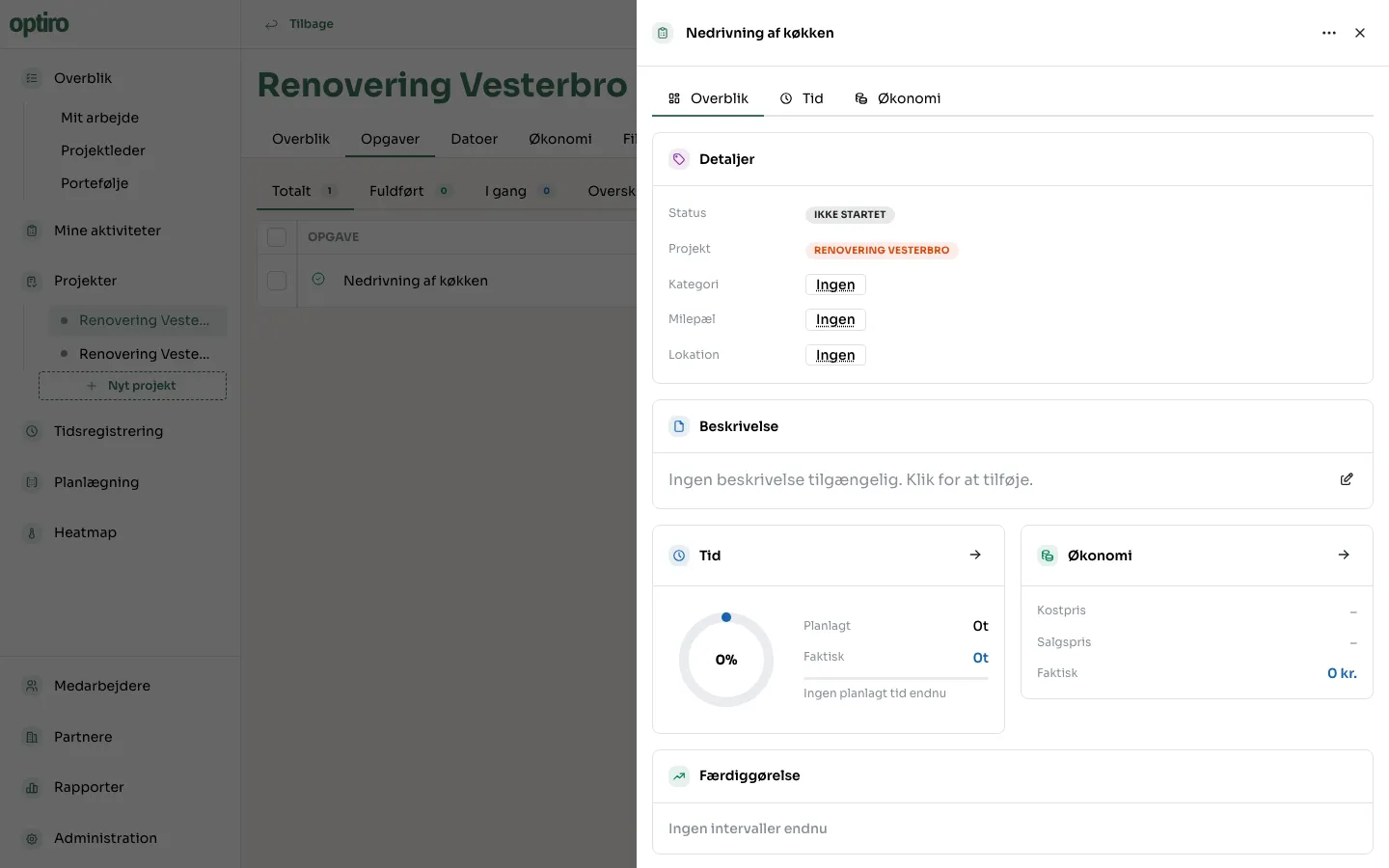
Section titled “3. Open the task’s details”Hover over the task and click Åbn (Open) to view and edit details: status, category, milestone, location, description, time and cost, and which resources are assigned.