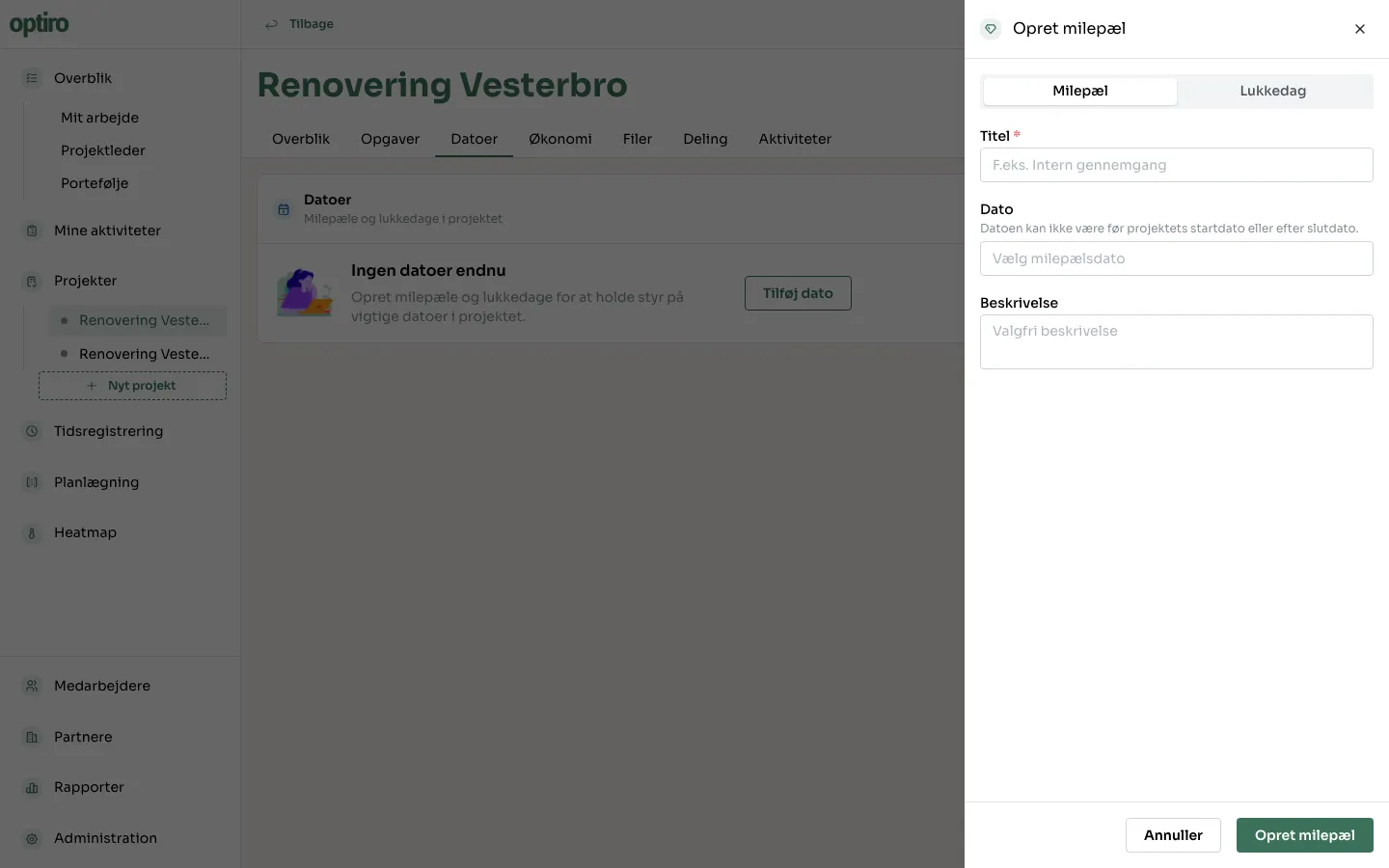
Add a date to a project
The Datoer (Dates) tab on a project tracks milestones and days off — important dates that aren’t tasks themselves.
Prerequisites
Section titled “Prerequisites”- The project needs a start and end date before you can add dates — they must fall within the project’s period.
- Open the project and click the Datoer tab.
- Click Tilføj dato (Add date).
- Choose whether it’s a Milepæl (Milestone) or a Lukkedag (Day off).
- Fill in a title and date, and optionally a description.
- Click Opret milepæl (Create milestone) (or Opret lukkedag).