

Create an activity on a project
Activities are used to log what’s happening on a project — follow-ups, notes, decisions — separate from the tasks themselves.
1. Go to Activities
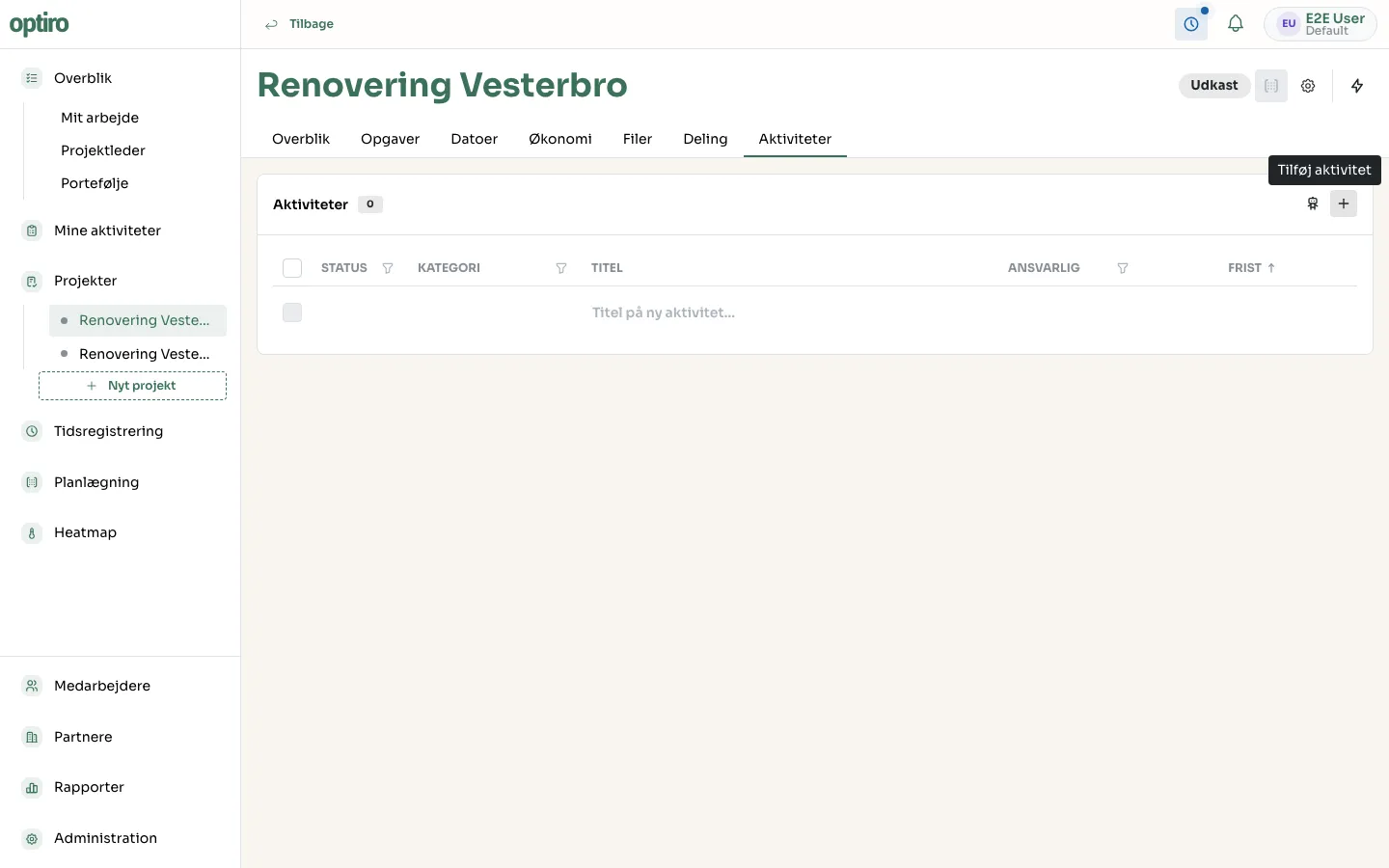
Section titled “1. Go to Activities”Open the project and click the Aktiviteter (Activities) tab. Click + in the top-right corner.
2. Give the activity a title
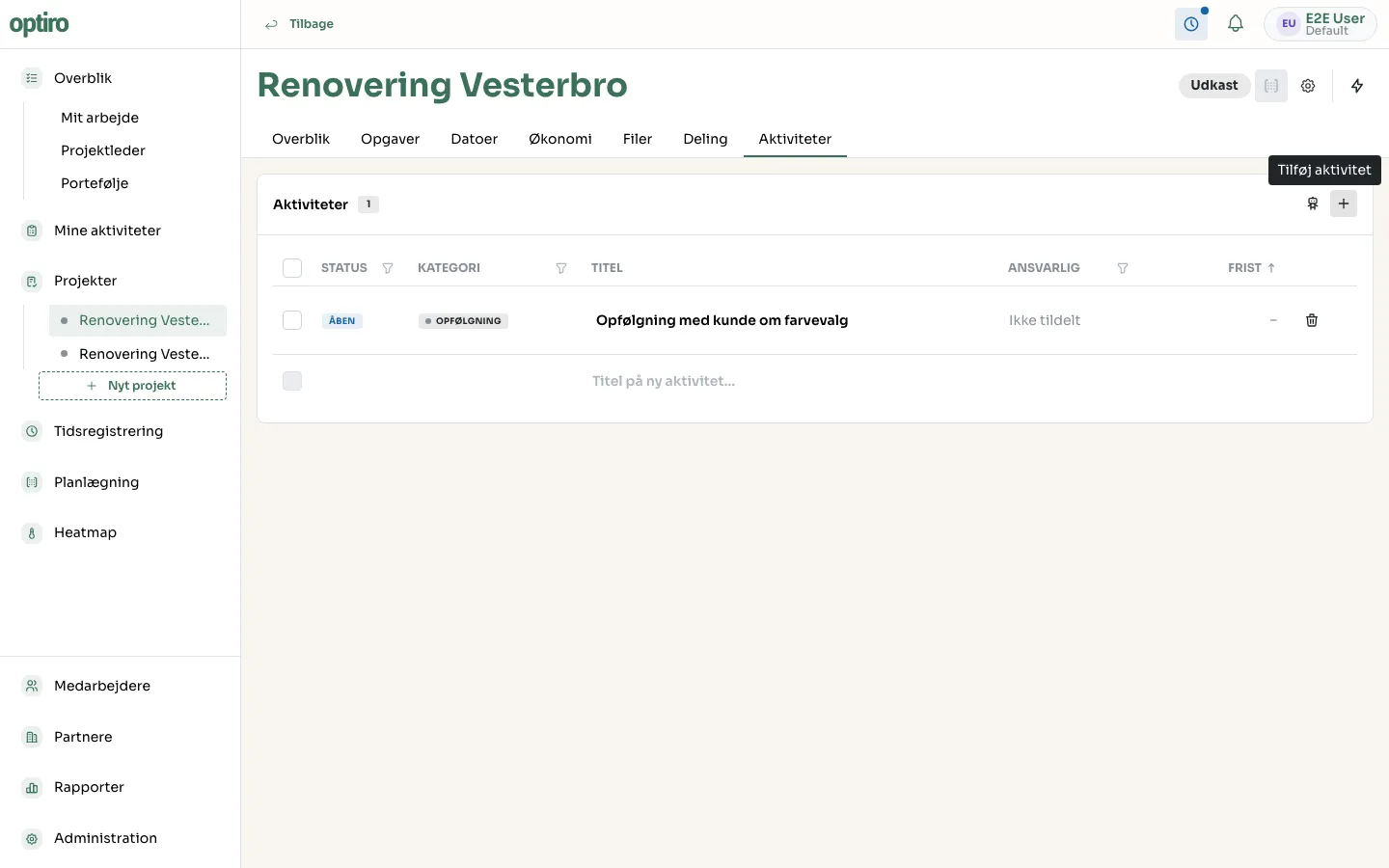
Section titled “2. Give the activity a title”Type the title and press Enter. The activity is created with status Åben (Open) and categorized automatically.
3. Assign and set a deadline
Section titled “3. Assign and set a deadline”Click the activity to set an owner and a deadline, or do it directly in the Ansvarlig (Owner) and Frist (Deadline) columns.
Next steps
Section titled “Next steps”- Tasks — if the activity is actually a piece of work to be done, create it as a task instead.