

Upload and share files on a project
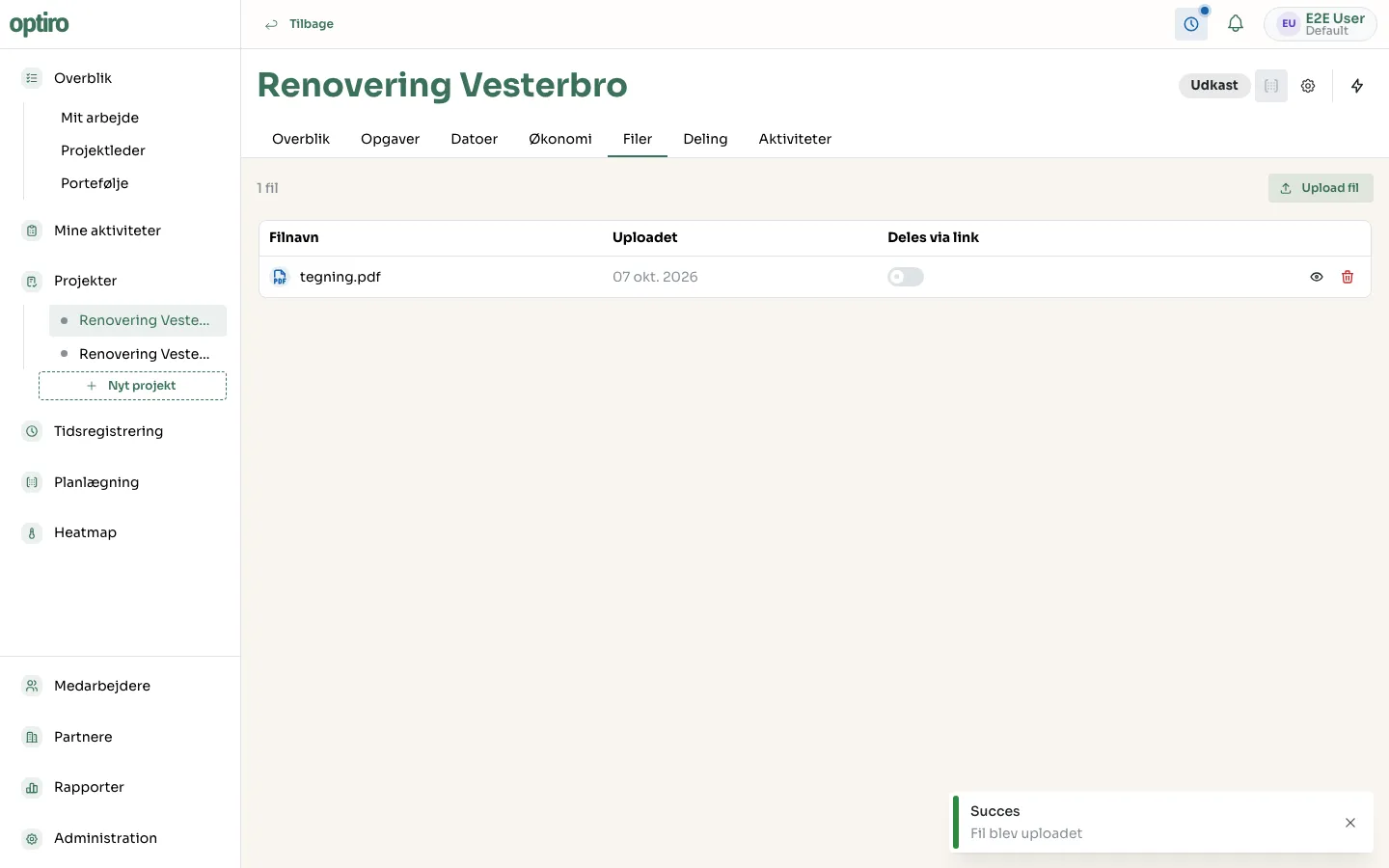
The Filer (Files) tab on a project collects every file belonging to the project in one place.
- Open the project and click the Filer tab.
- Click Upload fil (Upload file), or drag the file straight into the drop area.
- The file now shows up in the list with its upload date.
Share a file via link
Section titled “Share a file via link”Turn on Deles via link (Shared via link) next to the file. The file then becomes available to anyone with a share link to the project, as long as that link has Inkludér filer (Include files) turned on.
Next steps
Section titled “Next steps”- Share the project — create a share link that includes files.